AI Image Editing API for Fashion eCommerce

Use the AutoRetouch API to leverage our AI and GenAI capabilities in your system, and unlock the true power of processing at scale.
curl -X POST "https://api.autoretouch.com/v1/workflow/execution/create?workflow={workflowId}&organization={organizationId}" \
  -H "Authorization: Bearer {accessToken}" \
  -H "Content-Type: application/json" \
  -d '{
    "image": {
      "name": "product.jpg",
      "contentHash": "d4d4a63a03c9543f4f21d474500a95d7bb5704c83c139ddc6e005eaba6d54b22",
      "contentType": "image/jpeg"
    },
    "webhooks": ["https://your-server.com/webhook"]
  }'

Process images at scale

Integrate AutoRetouch directly into your production pipeline through our REST API.

Whether you're processing thousands of SKUs for marketplace adaptation, automating continuous post-production, or syncing edited assets back to your PIM or DAM, the API handles high-volume image processing without manual intervention.

Connect to platforms like Cloudinary, Bynder, or Filerobot, trigger workflows programmatically, and receive processed images via webhook; all at the speed your catalog demands.

Access all your AI workflows

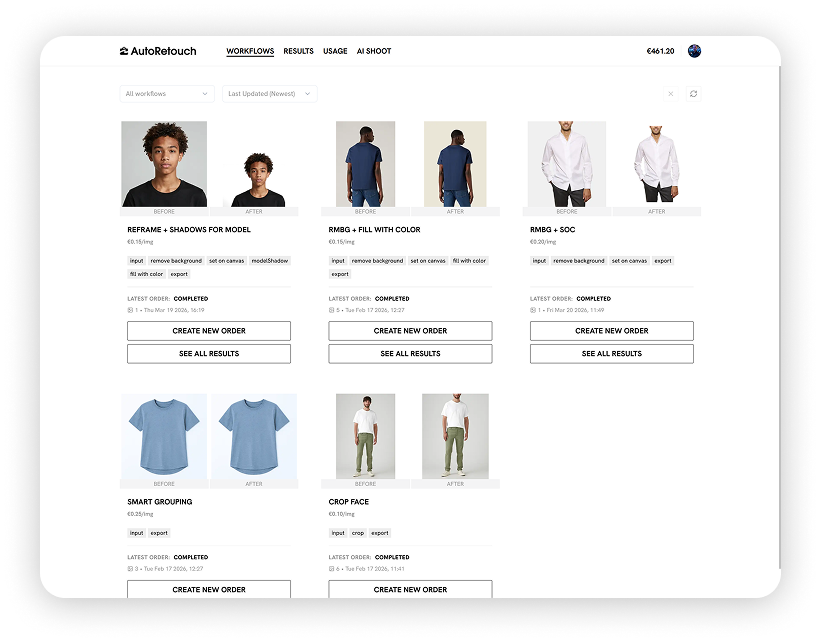
Every AI workflow you've configured in your AutoRetouch account is fully accessible via API.

Trigger background removal, automatic cropping and framing, shadow generation, ghost mannequin compositing, skin retouching, and AI model generation all through simple API calls.

Chain multiple transformations into a single workflow and use our human-in-the-loop quality assurance for outputs that require manual review before delivery

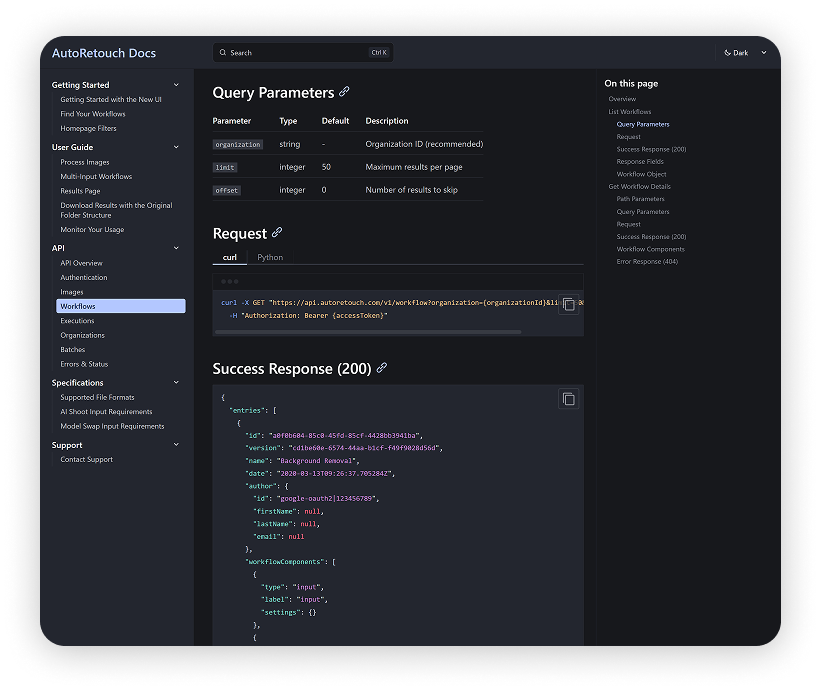
Get started in minutes with clear API docs

Our API documentation covers everything you need to go from first request to full production integration. Follow step-by-step guides with ready-to-use code examples in cURL and Python, explore endpoint references for every workflow, and handle authentication, webhooks, and batch operations with clear, tested snippets.

Need help? Reach out to support@autoretouch.com, our integration team typically responds within a few hours.

Ready to integrate the API?

Explore our docs or talk to our integration team to get started.